
Industrial PC: 9 Costly Mistakes to Avoid Before You Buy
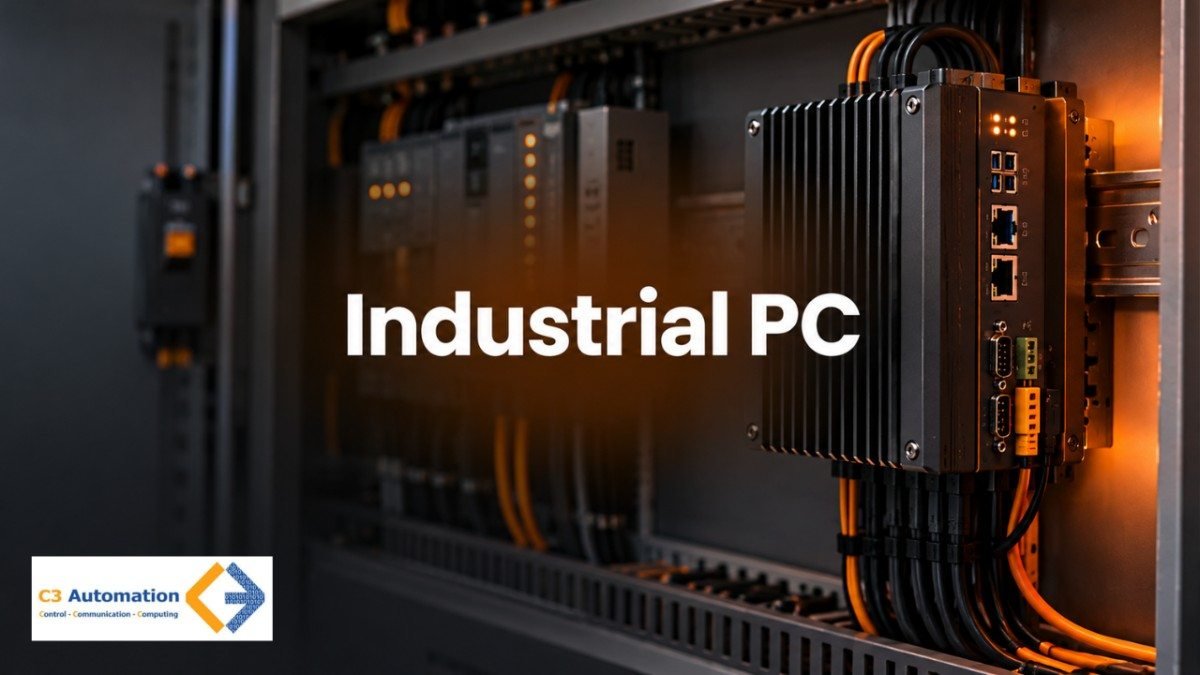
An industrial PC is made for a different life than the computer on your office desk.. Many people choose one based only on price and the list of features thinking “a computer is a computer.” Then a cheap PC inside a dusty cabinet restarts, at random and the production line stops. That one wrong decision can mean time without work. I need to replace it again. This guide explains nine mistakes when buying in simple words with easy examples. Whether you are an engineer or someone buying for the time, the steps are easy to follow. At the end you will also find a short checklist to use before you ask any supplier for a quote..
What Is an Industrial PC?
An industrial PC is a computer made to work all the time in factories, plants and places outside. It does the things as a regular computer like running programs and showing information. The difference is that it is built to last in conditions that would break a computer fast.
Imagine shoes. A regular PC is like a pair of school shoes. They work fine on a floor and for a short walk. An industrial PC is like hiking boots. They are built for mud, heat and long hours. In this way an industrial PC deals with heat, dust shaking and runs 24 hours a day seven days a week.
You will usually find three kinds:
- Box PC: an unit that fits inside a control cabinet or on a DIN rail.
- Panel PC: a computer and a touch screen in one unit, mounted on a machine or panel door.
- Rack PC: a 19-inch unit for control rooms and server racks.
Companies like B&R offer box PCs with Intel Atom and Core i processors. They also have panel PCs with touch and multi-touch screens. If you just want a screen, without the computer check out an industrial touch panel monitor.
One point: you don’t always need one. For an office or a short test a regular PC is usually enough. The extra money makes sense when the place is tough or when stopping work costs a lot.
Where an Industrial PC Fits: PLC, SCADA and HMI
To understand why this decision is important, think about where the computer’s located in a factory. The process is straightforward: sensors → PLC → industrial PC → operators and software.
Sensors track things such as pressure, flow and temperature. The PLC takes in those signals. Manages the machine in real time. If you want to find out how advanced controllers are different from a PLC read about the programmable automation controller. The industrial PC then gathers the information. Presents it to people.
On the PC you will typically find:
- SCADA software, which displays the entire plant on a screen so operators can watch and manage it.
- HMI screens, the control panels, at a machine.
- Data logging for reports and checks.
- Edge gateway software that sends data to other systems.
Here are two simple examples. At a water treatment plant the PC runs SCADA screens that show tank levels and pump status. At an oil and gas site it may gather readings from equipment. You can see how this kind of data is used in IoT in the oil and gas industry.
One point: the industrial PC works with a PLC. It does not take the place of it. The PLC ensures the machine operates safely while the PC deals with screens, data and communication.
9 Industrial PC Mistakes to Avoid

The table below shows each mistake in simple steps: what goes wrong, why it hurts, and how to avoid it.
| Mistake | What goes wrong | Why it hurts | How to avoid it |
|---|---|---|---|
| Treating it like an office PC | A cheaper office PC is bought because the specs look similar | Office parts are made for rooms and short working hours so they fail faster in a panel | Check build quality and 24/7 duty rating, not just the processor |
| Trusting datasheet temperature blindly | The maximum temperature is assumed to be the room temperature | Air inside a cabinet is much hotter especially in hot regions like the UAE | Estimate cabinet temperature, keep a safety margin and ask about derating |
| Ignoring dust and water protection | Dust, sand or water gets inside the unit | Dust blocks airflow and causes overheating and water causes corrosion | Check the IP rating (ingress protection) that suits your site |
| Picking the wrong form factor | The unit does not fit the space or is hard to reach | Extra cables, awkward mounting and slow repairs | Match the type to the job: box in a cabinet, panel at the machine rack in a control room |
| Choosing the wrong processor size | Paying for power you never use or picking one that's too weak | Strong chips create heat and weak ones slow down screens and logging | Pick the smallest processor with a safe margin and check if you really need edge AI |
| Skipping lifecycle planning | The model is discontinued soon after installation | Spares become hard to find and operating system support ends | Ask how long the model stays available and check OS support dates |
| Overlooking ports and integration | Serial ports, a LAN port or an expansion slot is missing | Extra adapters add cost and failure points and block a clean link to PLC and SCADA systems | List every device to connect, add spare ports and plan your Industrial networking early |
| Neglecting OS and security | The operating system is old or the PC joins the network unprotected | One infected PC can stop production | Choose a supported OS, plan patching and follow OT cybersecurity practices |
| Buying on price alone | The lowest quote wins | Failures cost more through downtime, site visits and replacements | Compare cost, warranty, local stock and support |
Industrial PC Selection Checklist
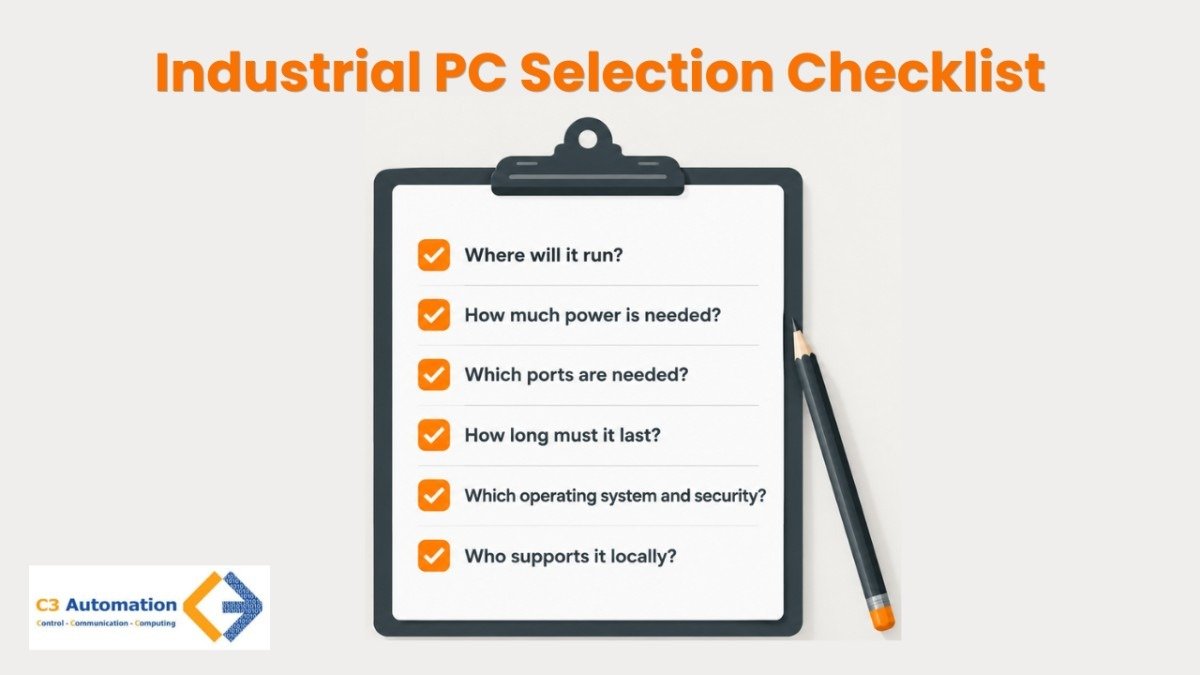
Before you ask for a quote write down these six questions. Print them out. Send them to the supplier.
1. Where will it run?
Check the temperature inside the cabinet. Also consider dust, water and vibration. If you look at the room temperature that is a red flag.
2. How much power is needed?
List the software that the system must run and leave room for growth. A high‑power chip without a cooling plan is a warning sign.
3. Which ports are needed?
Count the ports LAN ports, USB ports and expansion slots and add a few spare slots. If basic devices need adapters consider a model.
4. How long must it last?
Ask about how the product will be available, the availability of spare parts and the dates for operating system support. No lifecycle information is a flag.
5. Which operating system and security?
Confirm the operating system’s plan for patching and security features such as TPM. An unsupported operating system is a warning sign.
6. Who supports it locally?
Check the warranty, local stock and the response time. If there is no contact recovery will be slower if something fails.
Even beginners can use this list. If a supplier cannot answer any of these questions, treat that as a warning sign.
A Typical Failure Scenario: How the Wrong Choice Plays Out
Imagine a plant in a hot area. The team puts a low-cost PC in a sealed panel to a motor. No one checks the temperature inside the cabinet and the unit has little protection from dust. After a month the PC starts to restart on its own. Operators lose their SCADA screens for a minute every time. Dust keeps collecting and the heat gets worse. The unit breaks down completely. The team replaced it two times. Each time the production line stops.
The right choices would have stopped this from happening. A unit with protection against dust would have kept it out. Checking the temperature and having a safety margin would have shown the heating problem early. A plan for parts would have made the replacement fast.
Conclusion
The majority of industrial PC issues have nothing to do with poor quality products. The issue stems from buying based on specifications and prices rather than site conditions. An industrial PC may have great characteristics on paper but still be faulty due to the overheated cabinet, too much dust, or mismatching ports. The right choice always lies in three factors: environmental conditions, unit connection to the PLC and SCADA systems, and availability period. Prior to the next purchase, go through the list of criteria provided in the guide and list your site conditions. If you are in any doubt, turn to the supplier for more information and make comparisons on the level deeper than just pricing.
FAQ
1. How is an industrial PC different from an office PC?
An industrial PC is built for conditions and continuous use. It uses parts that tolerates wider temperature ranges, often has sealed or fanless designs and is available for longer periods. An office PC by contrast is designed for rooms and for shorter working hours.
2. Why are many industrial PCs fanless?
Many industrial PCs are fanless because they have moving parts. Without fans pulling in dust maintenance is lower and failure risk is smaller. The main limit is heat handling. Powerful processors require careful design.
3. What IP rating does an industrial PC need?
The IP rating required for a PC depends on the site. An IP65 rating is suitable for dust and water jets. An IP67 rating can handle immersion. Always check whether the ingress protection rating applies to the unit or only to the front.
4. How long does an industrial PC last?
There is no number for how long an industrial PC lasts. The lifespan depends on the model, heat and workload. Check the manufacturer’s availability and warranty period of a generic “years” claim.
5. Can an industrial PC run SCADA software and connect to PLCs?
An industrial PC can run SCADA software. Connect to PLCs. This is one of its common roles as long as it has the right ports, operating system support and network connectivity, for the system.