
Difference Between SCADA and HMI: 6 Essential Differences Engineers Must Know
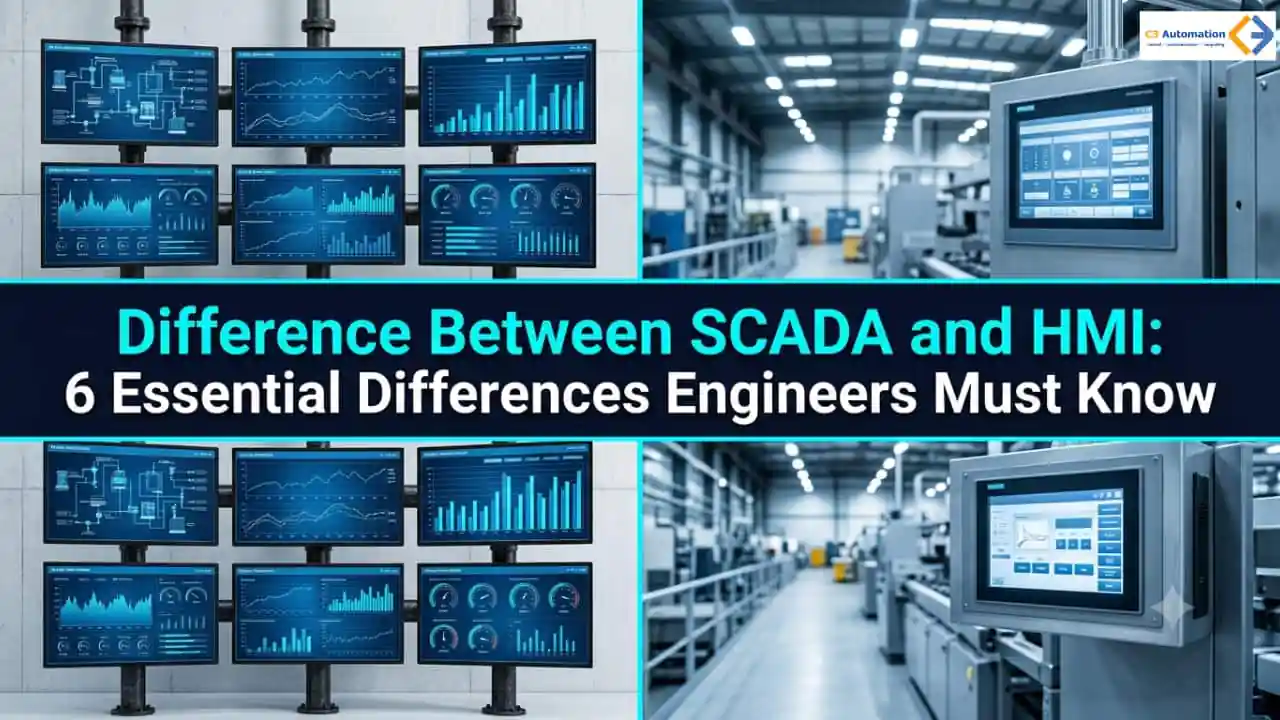
Walk onto almost any plant floor and you’ll hear the same debate eventually: what is the real difference between SCADA and HMI? Engineers use the two words loosely — an HMI panel gives an operator a direct window into a single machine, while a SCADA system pulls data from dozens of PLC-connected assets across the whole facility at once.
Throw Industrial IoT and MCB-protected control cabinets into the mix and getting SCADA vs HMI right stops being trivial — it affects your budget, your network’s ability to scale and how much maintenance headache you’re signing up for. Here’s a straightforward breakdown- using the terms plant engineers actually use when specifying hardware.
Difference Between SCADA and HMI: The Core Architecture Explained
Strip away the jargon and it comes down to scope. An HMI is one point of operator interaction. A SCADA system is the larger software and hardware architecture that ties many of those HMIs together. Get this wrong at the planning stage and you’ll end up in one of two bad spots — paying for licensing you don’t need, or building a network that can’t grow with you.
How PLC, HMI Panel, and SCADA Layers Connect
Picture the flow: field sensors and actuators feed data into a local PLC, which handles the real-time control logic for a machine or process line. The PLC talks to a nearby HMI panel over Ethernet or serial – so the operator gets live feedback on speeds, temperatures and alarms without stepping away. From there, that same data climbs into the plant’s supervisory layer over an OT network, joining data from other PLCs, remote terminal units and more HMI panels scattered across the site. Industrial IoT sensors are increasingly part of this chain, quietly feeding condition-monitoring data into both the local HMI panel and the plant-wide SCADA platform at once.
6 Key Differences Between SCADA and HMI
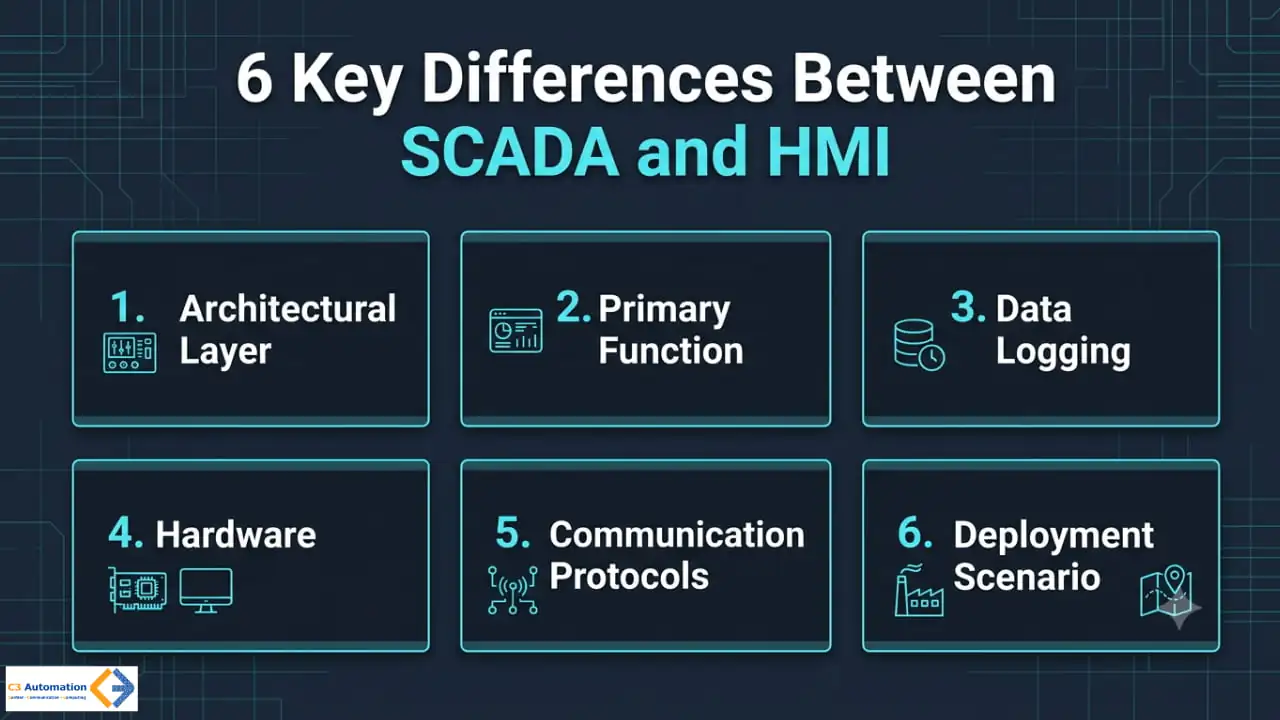
Once you’ve got the core architecture down -the difference between SCADA and HMI is easiest to grasp as six practical points — the ones that actually drive planning and budgeting decisions.
Architectural Layer
An HMI sits at the direct operator control layer, giving a technician on-site, immediate command over one machine or process skid. A SCADA system sits a level up, at the supervisory and data historian layer, coordinating multiple HMIs, PLCs, and remote terminal units across the plant. That’s why every SCADA deployment has HMI panels somewhere underneath it, but plenty of HMI panels run just fine without any SCADA layer above them. Figuring out which layer your project actually needs is usually the first real decision point in any automation upgrade.
Primary Function
An HMI’s job is local machine interaction — starting and stopping equipment, tweaking setpoints, acknowledging alarms right where the work is happening. A SCADA system’s job is plant-wide visualization and control, pulling data from many machines into dashboards that show how the whole operation is performing. Put another way, an HMI answers “what’s this machine doing right now,” while a supervisory platform answers “how did the plant perform this shift, this week, this year.” Both jobs matter in a mature facility; they just aren’t the same job.
Data Logging
An HMI usually holds onto only hours or days of local data — enough for quick troubleshooting, nothing more. A SCADA system keeps years of historical records in a dedicated historian database, and that matters a lot for compliance reporting, predictive maintenance and spotting long-term trends. Honestly, that retention gap is often what decides the question for regulated industries. If your facility sits under environmental or safety audits, you’ll almost certainly need that deeper logging.
Hardware
HMI hardware means panel-mount touchscreens and small industrial PCs, sized to sit near a single machine enclosure. SCADA hardware is a different animal — server racks, multi-monitor workstations, distributed RTUs spread across a site or an entire region. You pick an HMI panel for durability and screen visibility in a rough environment; you pick SCADA hardware for processing power, redundancy and network capacity. Matching that investment to the actual scale of your operation is what keeps you from overspending or just as bad, under-building.
Communication Protocols
HMI communication leans on Modbus RTU, direct serial, or Ethernet/IP — simple links to a nearby PLC without much network overhead. SCADA communication needs protocols built for distance and scale instead: OPC UA, MQTT, DNP3, IEC 60870-5-104, usually riding on managed industrial Ethernet switches. Industrial IoT sensors now bridge both worlds, feeding condition data into local HMI panels while streaming the same readings up into SCADA platforms. Get the protocol stack right early, because reworking it later — once a facility has outgrown its original network design — is expensive.
Deployment Scenario
Think of an HMI deployment as a single touch panel bolted to a pump enclosure, run by one PLC and watched by one operator. A SCADA deployment looks more like a control room managing dozens of pump stations spread across a municipal water network or an industrial site. Scale alone will usually tell you which technology a project needs before you’ve bought a single piece of hardware. Most large sites end up needing both anyway — HMI panels for the local view, SCADA for the plant-wide one.
What Is an HMI System in Modern Industrial Automation?
An HMI system is the screen an operator touches — the interface that lets them interact directly with a localized machine, process skid or PLC.
Definition and Local Scope
Think vehicle dashboard: it doesn’t run the engine, but it gives the driver the feedback needed to run that asset safely. Most installations stick to a single machine or cell rather than an entire facility, keeping data retention and processing needs light. An operator at the panel gets exactly what they need — nothing buried in a menu three layers deep.
HMI Panel Hardware and Form Factors
Hardware ranges from small 7-inch panel-mount displays up to 15-inch IP65-rated touchscreens built for rough factory conditions. Size and rating usually depend on where the panel is mounted and how much dust, moisture, or vibration it needs to survive. Getting this choice wrong is a common, avoidable cause of premature failures.
Modern Software-Driven Trends
More and more, an HMI system today is software-driven rather than pure hardware, running on industrial PCs or even an HTML5 browser so an operator can pull up the same interface on a tablet. Communication usually runs over direct serial links, Modbus RTU or industrial Ethernet, connecting the HMI panel straight to a local PLC without a wide-area network. That keeps the local footprint small even as the software gets more flexible.
Where This Layer Fits Best
Because it stays local, an HMI system tends to be the cheaper, simpler choice for OEM machine builders and standalone production lines. If you’re building one machine for one customer, you rarely need anything beyond this layer.
What Is a SCADA System and Where Does It Fit?
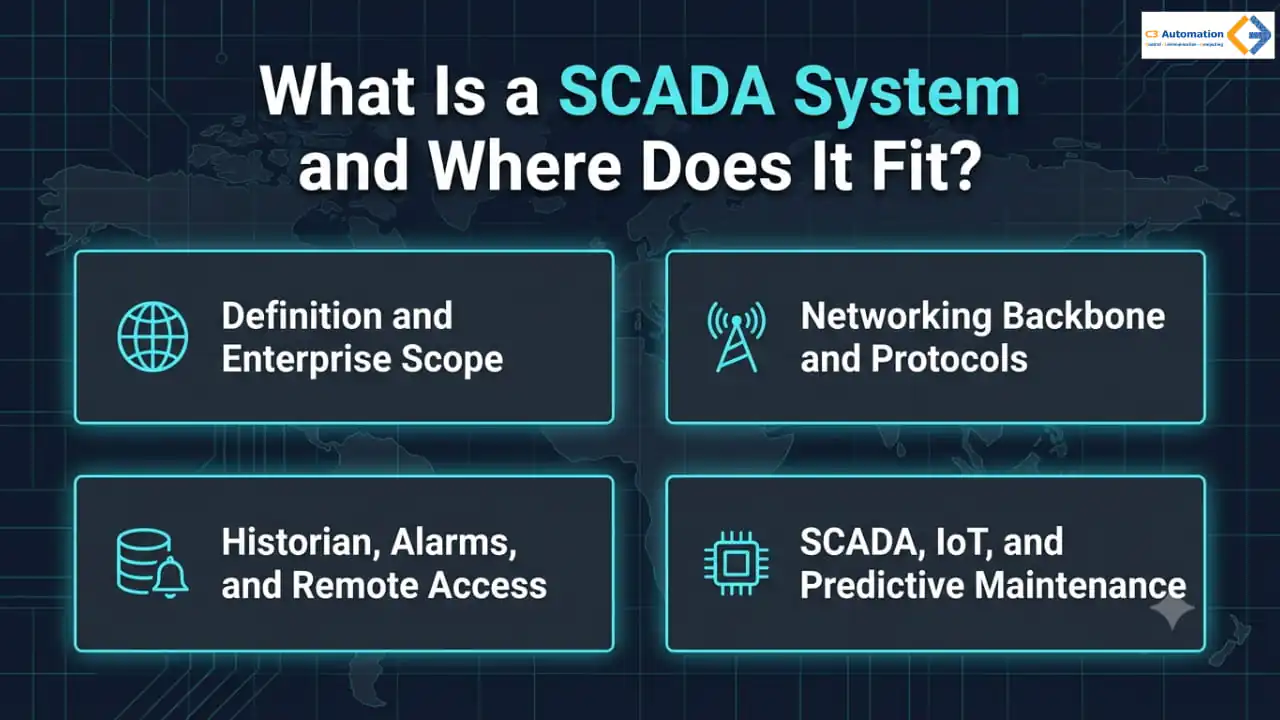
A SCADA system is the enterprise-wide, multi-layered setup built to monitor, analyze, and control large-scale industrial processes across a plant, several sites, or long distances.
Definition and Enterprise Scope
Where a single HMI shows you data for one station, this platform pulls information from many HMIs, remote terminal units, smart meters and PLCs into one dashboard. That’s really where the difference between SCADA and HMI becomes obvious — one shows a single asset, the other shows the entire operation. It’s the backbone behind municipal water networks, oil and gas pipelines and continuous multi-line manufacturing plants.
Networking Backbone and Protocols
This platform leans on a serious networking backbone — managed industrial Ethernet switches, MCB-protected power distribution for control racks, long-distance protocols like OPC UA, MQTT or DNP3. Distance is the deciding factor: a protocol built for one cabinet doesn’t hold up across a pipeline spanning miles. Getting the network design right up front saves a lot of pain later.
Historian, Alarms, and Remote Access
It also brings capabilities a standalone HMI simply doesn’t have: historian databases logging years of production data, automated alarm management built around ISA-18.2 standards, and remote access so engineers can watch several sites at once. These are the features that show up in audits, board reports and urgent calls when something goes wrong.
SCADA, IoT and Predictive Maintenance
As Industrial IoT devices spread across plant floors, this platform is increasingly where sensor data lands, feeding predictive maintenance and anomaly-detection models built on historical trends. That historical depth is exactly what a local HMI panel can’t offer — it doesn’t retain enough data to train those models.
SCADA vs HMI: Do You Need One, the Other, or Both?
Ask any controls engineer who’s been doing this for a while, and they’ll tell you the line blurs at the edges. Large platforms like DeltaV or Honeywell Experion technically count as comprehensive HMIs even though they operate at SCADA-level scale, while standalone software like Ignition or Wonderware iFIX often gets deployed as a custom-built supervisory platform in its own right. You won’t find that overlap in most textbook definitions.
Matching the Architecture to the Facility
If you’re running a standalone OEM machine, a single conveyor line, or one packaging cell, a dedicated HMI system paired with a PLC is almost always enough — bolting on a full supervisory platform just adds licensing overhead you don’t need. If your facility spans multiple automated lines, needs regulatory audit trails or requires a centralized control room, a supervisory platform becomes necessary, with the local HMI panels still doing their job as the visual interface at each asset.
In most real-world plants, SCADA vs HMI isn’t really an either/or question — the two work together, with the plant-wide platform pulling the same PLC and HMI data up into a central historian. Security has to scale right along with this too, since connecting HMI panels to a broader SCADA network widens the plant’s attack surface and calls for segmented OT networks, managed firewalls and encrypted protocols like OPC UA with TLS.
Conclusion
Getting a handle on the difference between SCADA and HMI is really about being practical, not reciting a textbook definition. Whether your facility needs a single operator panel or a full plant-wide supervisory platform, matching your hardware and networking choices to the actual scale of the operation is what keeps you from overspending or under-building. Getting SCADA vs HMI right from the start is one of the more valuable planning calls you’ll make in industrial control system design.
Line up the architectural layer, primary function, data logging, hardware, protocols and deployment scenario side by side, and the decision stops feeling so abstract. A single machine or production cell rarely needs more than a well-specified HMI panel. A multi-line facility with audit or remote-access requirements almost always benefits from a supervisory layer on top. Treat the two as teammates instead of competitors and your control system stays both cost-effective and ready to grow.
FAQ
1. Is an HMI part of a SCADA architecture?
Yes. An HMI is typically one piece of a larger SCADA architecture — it handles the local, machine-level visualization while the broader system takes care of plant-wide aggregation, historian logging and remote supervisory control.
2. Can a supervisory control platform function without a local operator panel?
Technically, sure — but in practice almost every deployment keeps at least one local panel around for on-site troubleshooting, since remote dashboards alone rarely give floor technicians the immediate feedback they need to fix something fast.
3. What is the difference between a PLC and the interface layers above it?
A PLC actually runs the real-time control logic for a machine. The interface layers above it — local and centralized alike — exist purely to visualize, log, and supervise the data that PLC produces, not to control the equipment directly.
4. How do I decide which architecture fits my facility?
Look at how many production lines you’re running, whether you need regulatory audit logs and whether operators need centralized remote access. A single machine or cell usually needs only a local panel; multi-line or multi-site operations typically justify going with a full supervisory platform.
5. Does adding IoT sensors change which architecture I need?
Not really, not on its own. IoT sensors just add extra data points to whichever layer already exists, so the underlying decision still comes down to your facility’s scale and audit requirements.